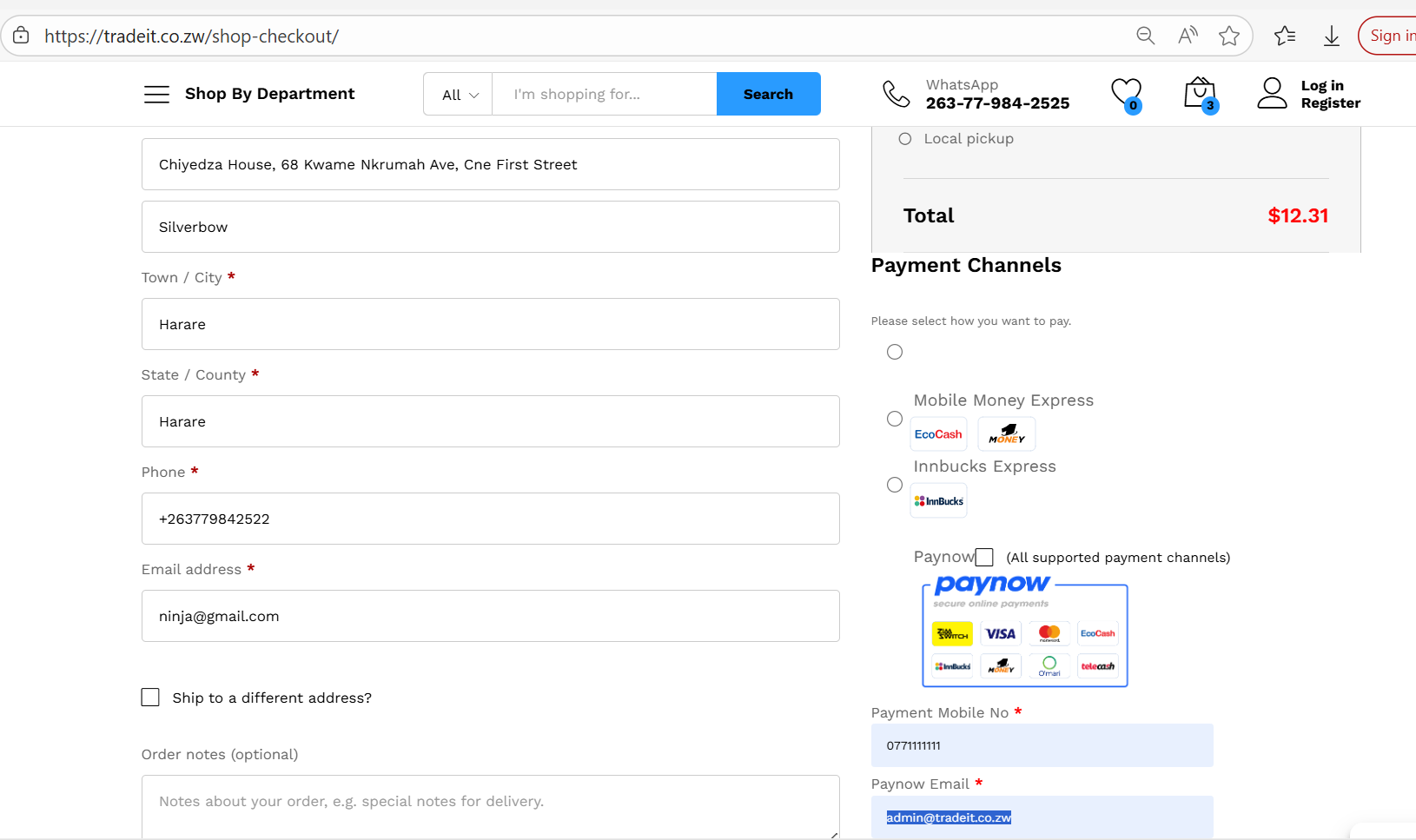
I am using WooCommerce version9.9.5 and PayNow Version 1.3.4. When trying to put through a Test Order, I get the error message: “Please select PayNow payment channel”. The trouble is that the PayNow payment channel button can not, actually, be selected.
I suspect the PayNow Plugin vv1.3.4. is not fully compatible with WooCommerce version9.9.5. Can someone please help?
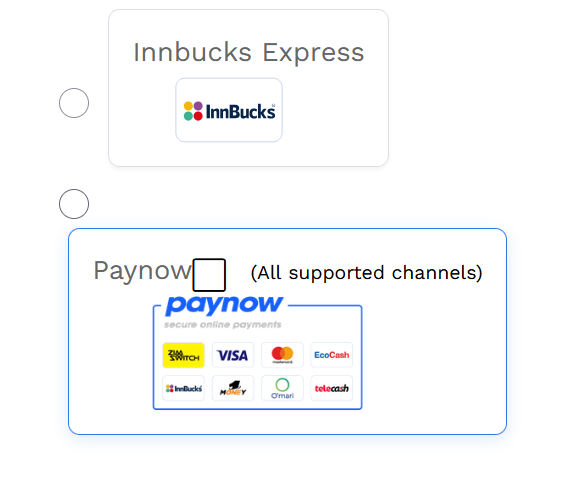
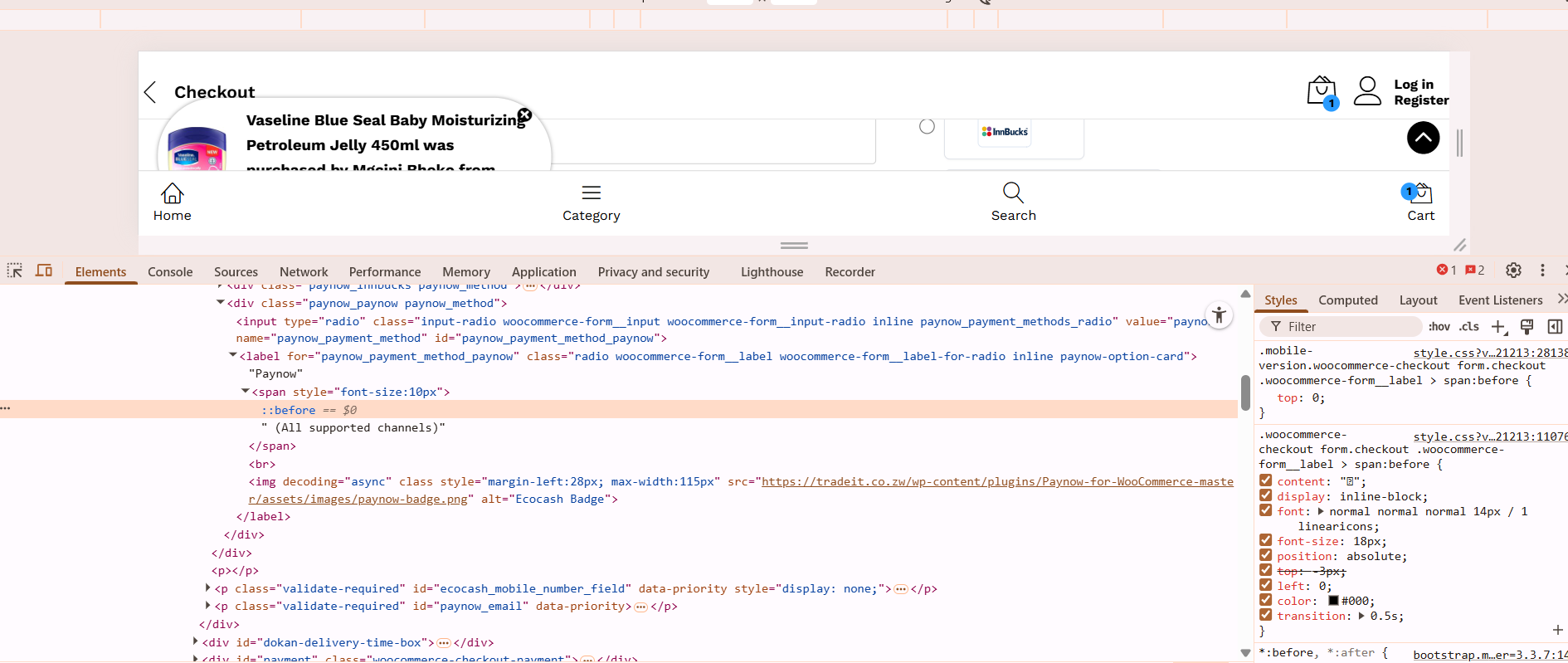
Thank you. I have uploaded the latest PayNow files and that seems to have resolved the issue. However, there seems to be a bug on the PayNow Channel Option button. The round button is now selectable but there is an additional Square Box which seem to be serving no purpose as it is unclickable.
Please see image below.
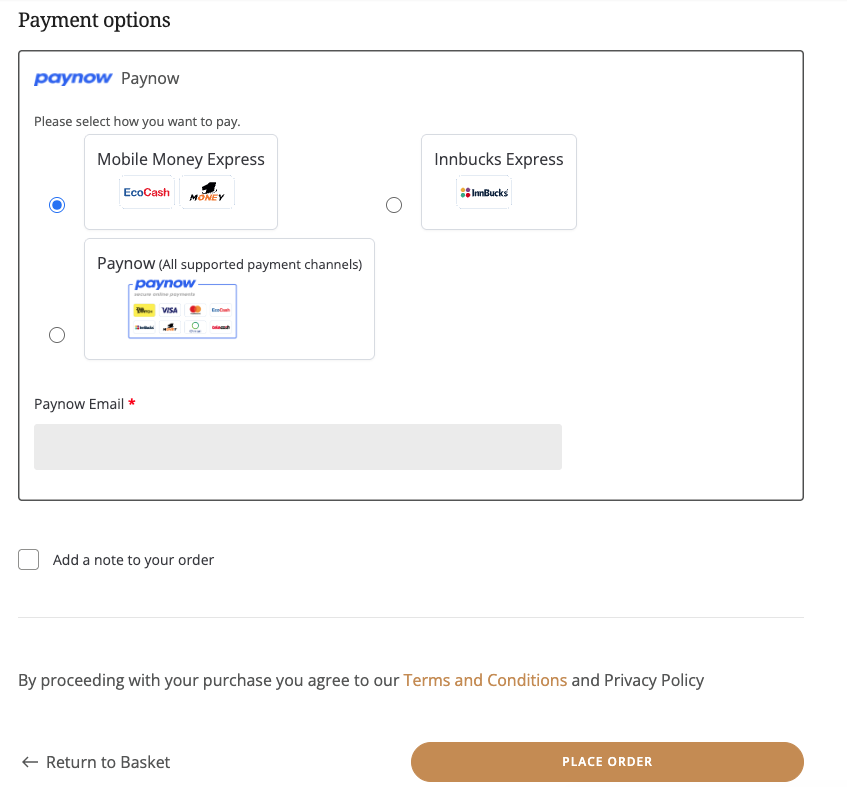
Hi. I seem to be getting a similar issue. On the first load of the checkout page, I get the “Please select PayNow payment channel” error. If I select a mobile payment option, the phone number/email field does not update to enter the phone number as it should, and even if I select the Paynow option, I still get the error on trying to place the order.